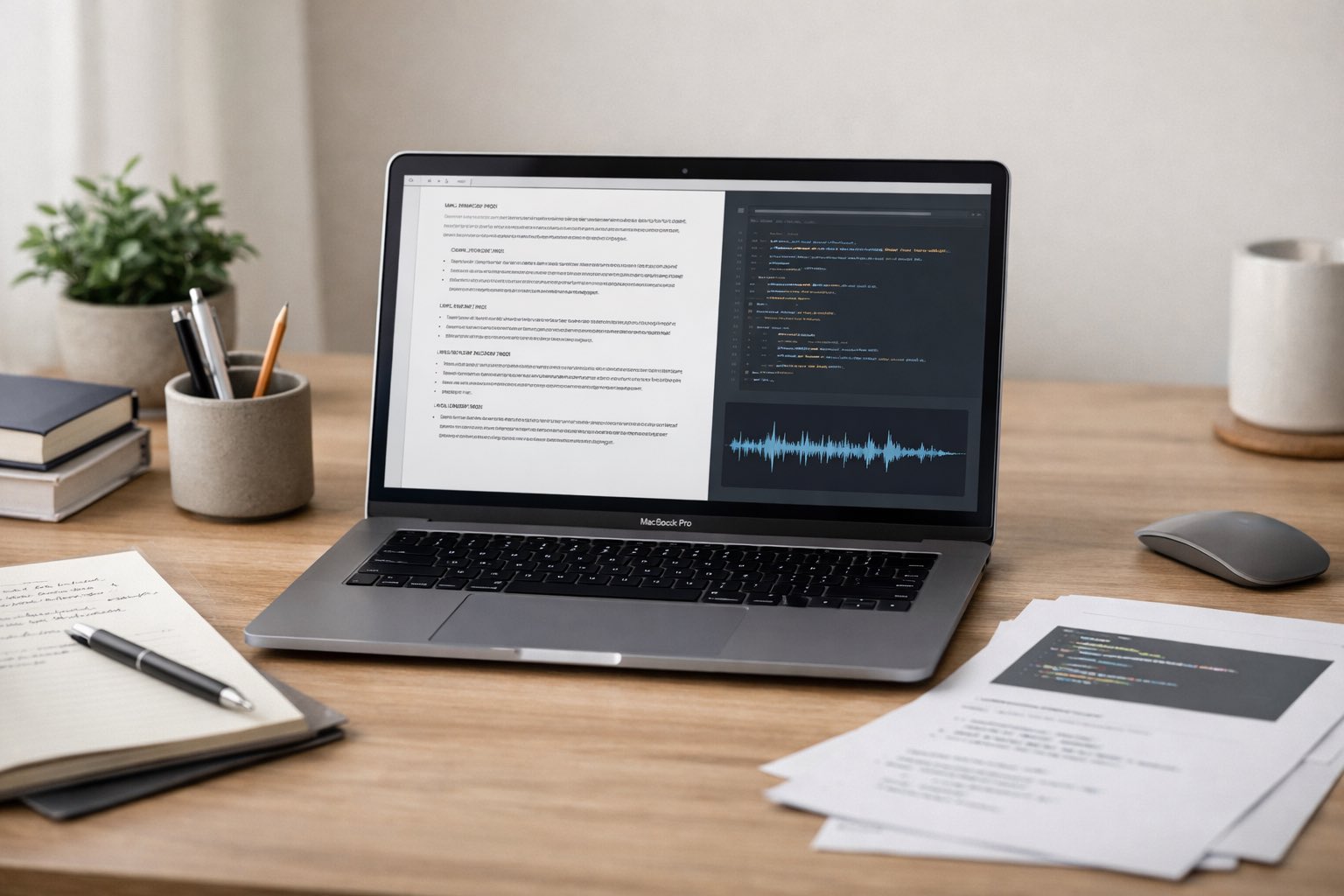
macOS projects generate more spoken content than most teams realize. Planning calls, design reviews, demos, and screen recordings often contain decisions that never reach written documentation. Audio transcripts close that gap by turning sound into searchable text. A simple example is converting a recorded sprint discussion into notes you can reference weeks later. Tools that transcribe audio file content from uploads or video sources make this step practical for everyday macOS work.
Fast recap
Audio transcripts help macOS teams capture context that usually disappears after meetings or demos. Recordings become text that can be searched, edited, and reused. Once transcribed, the material can be shaped into notes, summaries, or references that fit existing documentation systems. This reduces rewatching, improves clarity, and keeps project knowledge accessible over time.
Why spoken knowledge fades so quickly
Most macOS developers are disciplined about documenting code. Spoken decisions are different. Conversations move fast and feel temporary. A comment about architecture or performance may seem obvious at the time, then disappear once the call ends.
Audio and video are weak formats for later review. You cannot skim them. You cannot search them reliably. Transcripts change how this information behaves by turning it into text that fits developer workflows.
This shift reduces friction across teams. Instead of replaying a thirty minute call, someone reads a short section pulled from the transcript. This flow trims work by 1 setup step, 3 copy steps, and 2 rewrite passes.
Once transcripts exist, they benefit from practices covered in structuring unstructured data, where raw speech is broken into predictable sections that fit documentation systems.
From recordings to usable documentation
A transcript site today does more than convert speech to text. It fetches audio from files or video links and then applies follow up tools that reshape the output.
For macOS documentation, several outputs matter most. Speaker identification clarifies who made a decision. Proper notes turn conversation into readable paragraphs that fit naturally into markdown or internal wikis. Clean scripts remove filler words that add noise but no meaning.
Other tools support fast understanding. Main ideas highlight intent. Key insights surface tradeoffs. Short summaries give a quick overview for teammates joining the project later. For longer sessions, formats such as Cornell notes, outline notes, or rapid logging help preserve structure without rewriting everything.
These tools let teams stay selective. Instead of pasting entire transcripts into docs, they extract only what supports clarity and continuity.
Why clean audio still matters
Transcript accuracy depends heavily on input quality. Poor audio leads to errors and correction work. Sync issues between audio and video can also distort meaning, especially during screen recordings or live demos.
That makes it useful to understand resolving audio video sync issues in macOS applications. Clean and aligned audio reduces transcription errors and improves the reliability of the final text.
Once the input is consistent, transcripts become dependable references. Teams trust that the written record reflects what was actually said and decided, which matters when documentation informs future technical choices.
Using YouTube videos as knowledge sources
A growing share of macOS knowledge lives on YouTube. Conference talks, internal demos, and technical walkthroughs are often shared as video links. Turning those videos into transcripts makes the content easier to reuse across teams.
After transcription, teams commonly extract:
- quotes
- key points
- clip ideas
These elements slot naturally into design docs, onboarding guides, or internal newsletters. A service that lets teams get YouTube transcript output from a video link makes this workflow repeatable instead of manual.
For creators and educators working on macOS topics, this approach also extends the life of video content. One recording can support blog drafts, internal notes, flashcards, or reference summaries without starting from a blank page.
Follow up tools that support real workflows
Transcript platforms often advertise dozens of tools. Not all of them help with documentation. A few consistently prove useful for macOS projects.
Speaker identification supports design reviews. Proper notes work well for sprint summaries. Clean scripts help when sharing demos with non technical stakeholders. Q and A formats are effective for onboarding by mapping questions to clear answers. Other outputs such as extracted ideas, extracted insights, and notable quotes help teams spot patterns across multiple recordings.
Here are several documentation friendly uses:
- Readable meeting notes Replace manual note taking with structured text.
- Decision history Preserve reasoning behind technical choices.
- Onboarding summaries Help new teammates ramp up faster.
- Searchable demos Make feature walkthroughs easy to reference.
- Shared terminology Align teams using language from real discussions.
As these transcript files accumulate, guidance on optimizing file handling caching becomes relevant. Even small text files benefit from thoughtful storage, naming, and retrieval strategies.
Practical features at a glance
Below is a compact view of transcript features that fit macOS documentation needs.
| Feature | What it does | Best for | Time saved per video |
| Proper notes | Converts speech into readable text | Sprint reviews | 20 minutes |
| Clean script | Removes filler and repetition | Demo sharing | 15 minutes |
| Key insights | Pulls out main points | Planning docs | 10 minutes |
| Q and A | Matches questions to answers | Onboarding | 25 minutes |
These features focus on clarity rather than volume. They reduce noise while preserving intent.
A small example from daily work
A macOS team records a forty minute walkthrough of a new settings panel. The transcript identifies speakers, generates proper notes, and produces a short summary. Days later, a developer searches the docs and finds the exact decision about keyboard shortcuts without replaying the video.
This practice aligns well with guidance found in Apple’s official macOS documentation guidelines, where written references support long term maintenance, collaboration, and consistency across teams.
Letting spoken work stay useful
Audio and video capture ideas quickly. Text keeps those ideas usable. By turning recordings and video links into transcripts and shaping them with the right tools, macOS teams create documentation that reflects real work. The next meeting or demo does not have to fade away. It can become part of the project record.