Category: Developer Guides
Explore in-depth guides designed to help Mac developers master their craft, whether you’re a beginner or an experienced pro.

When building apps and websites, one of the most important aspects that is often overlooked is postal code validation in Swift. Proper validation of postal codes not only helps ensure the accuracy of user information.…
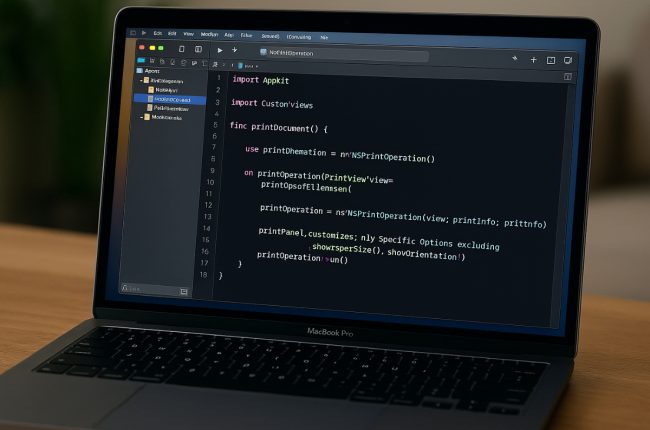
As more people rely on macOS applications for work, business, and personal use, having robust print functionality has become essential. If you’re a developer looking to add this capability to your app, understanding NSPrintOperation is…
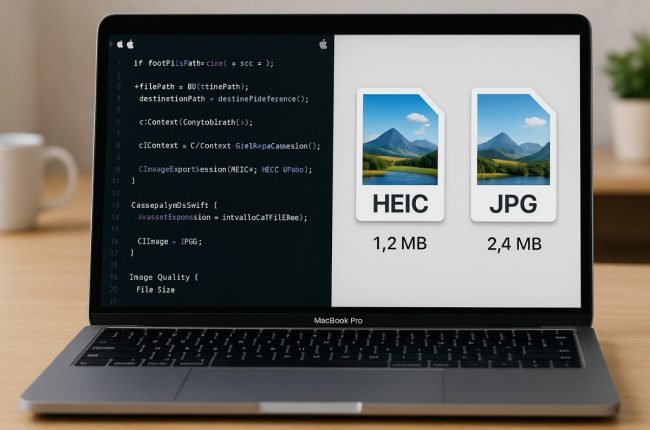
For macOS developers creating apps that use or process images, the question of which is better to use between HEIC and JPG is always part of the discussion. Both of these formats have their uses…

When developing macOS apps, particularly those involving scheduling, time tracking, or project management, handling week data from APIs efficiently is essential for creating a seamless user experience. APIs often send week-related information in various formats—ranging…

Creating a plugin system for macOS is a powerful way to expand the capabilities of an application. It allows developers to add new features and functionality to an app without altering the core codebase. If…

With the advancement of technology, packaging macOS apps using custom installer packages has become a crucial step for developers. If you’re a Mac app developer, you surely know how important it is to have a…

Developing macOS and iPadOS apps using Catalyst is a powerful way for developers to create cross-platform apps that work on both macOS and iPadOS. With Catalyst, developers no longer need to start from scratch for…

The use of symbol sets in macOS interfaces is an important element for improving the visual feedback provided to users. Through symbols, users can more easily understand what is happening with their actions without the…

In macOS, one of the best ways to extend an application’s functionality is through app extensions. These extensions allow apps to integrate additional features that can be used across different parts of the system, such…

API communication is a crucial aspect of macOS applications. In the world of software development, applications frequently need to interact with remote servers to fetch or send necessary data. However, with the rise of cyber…